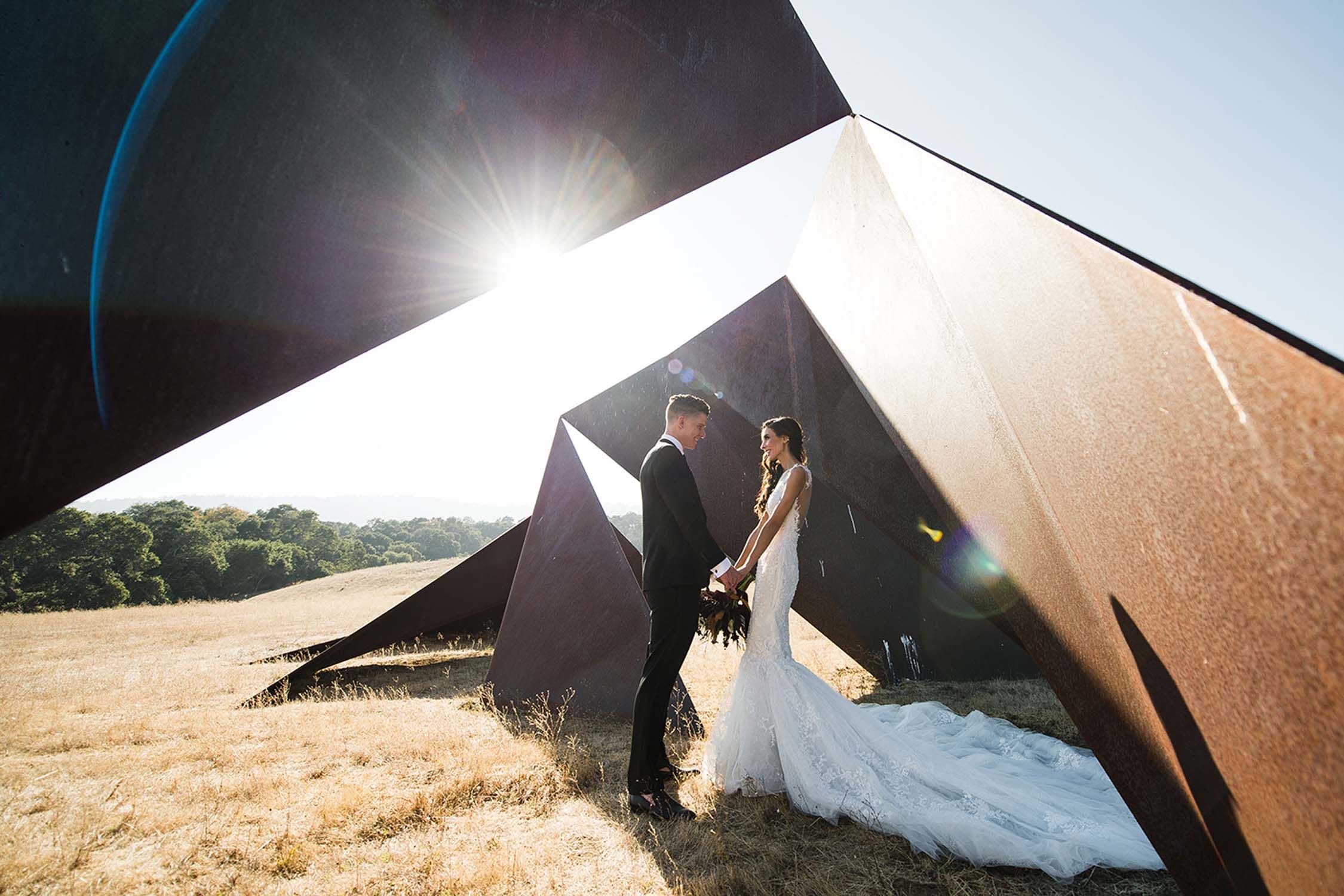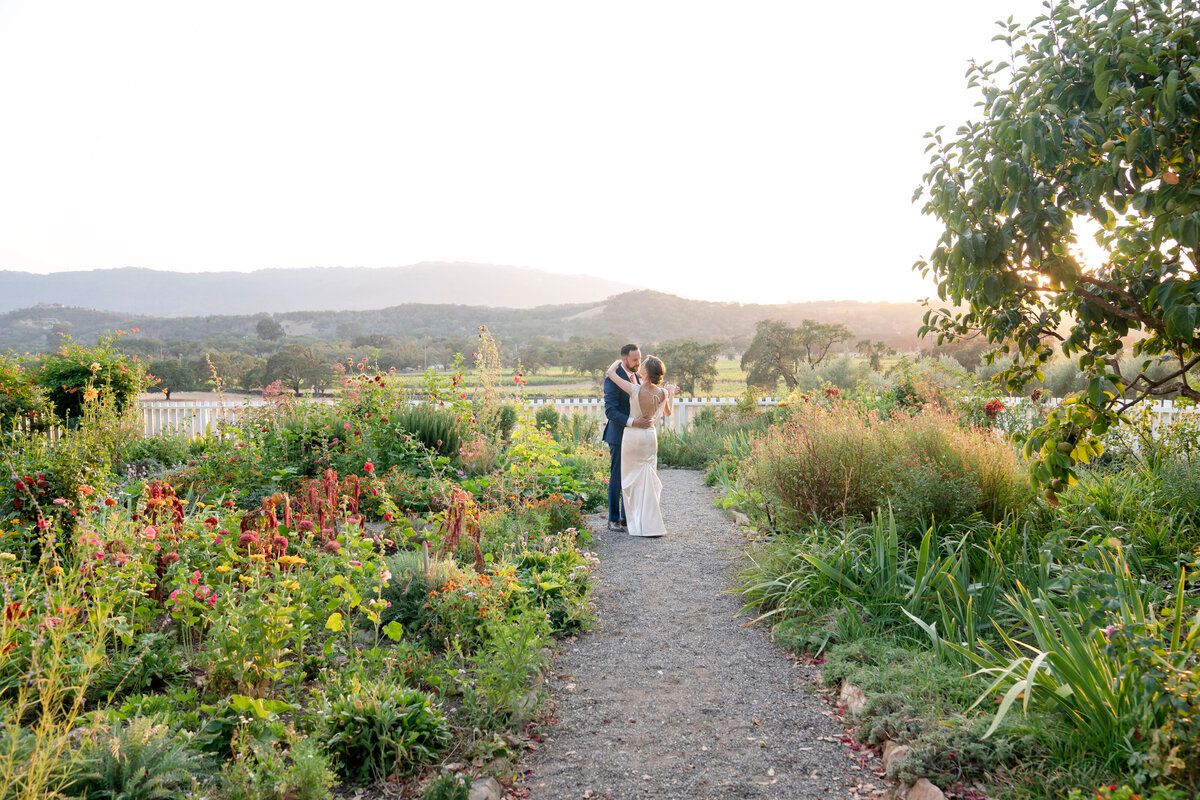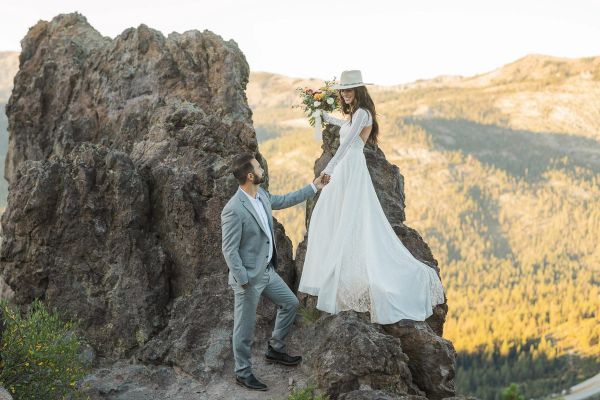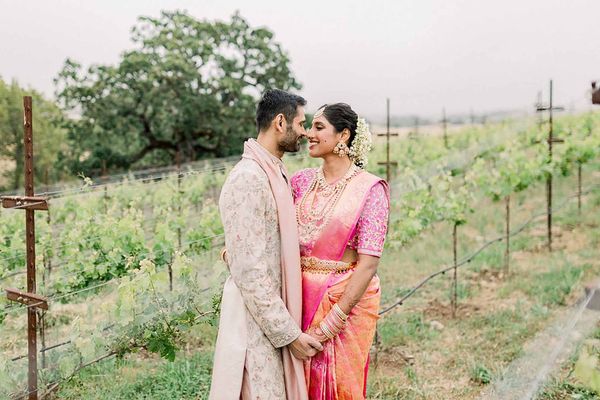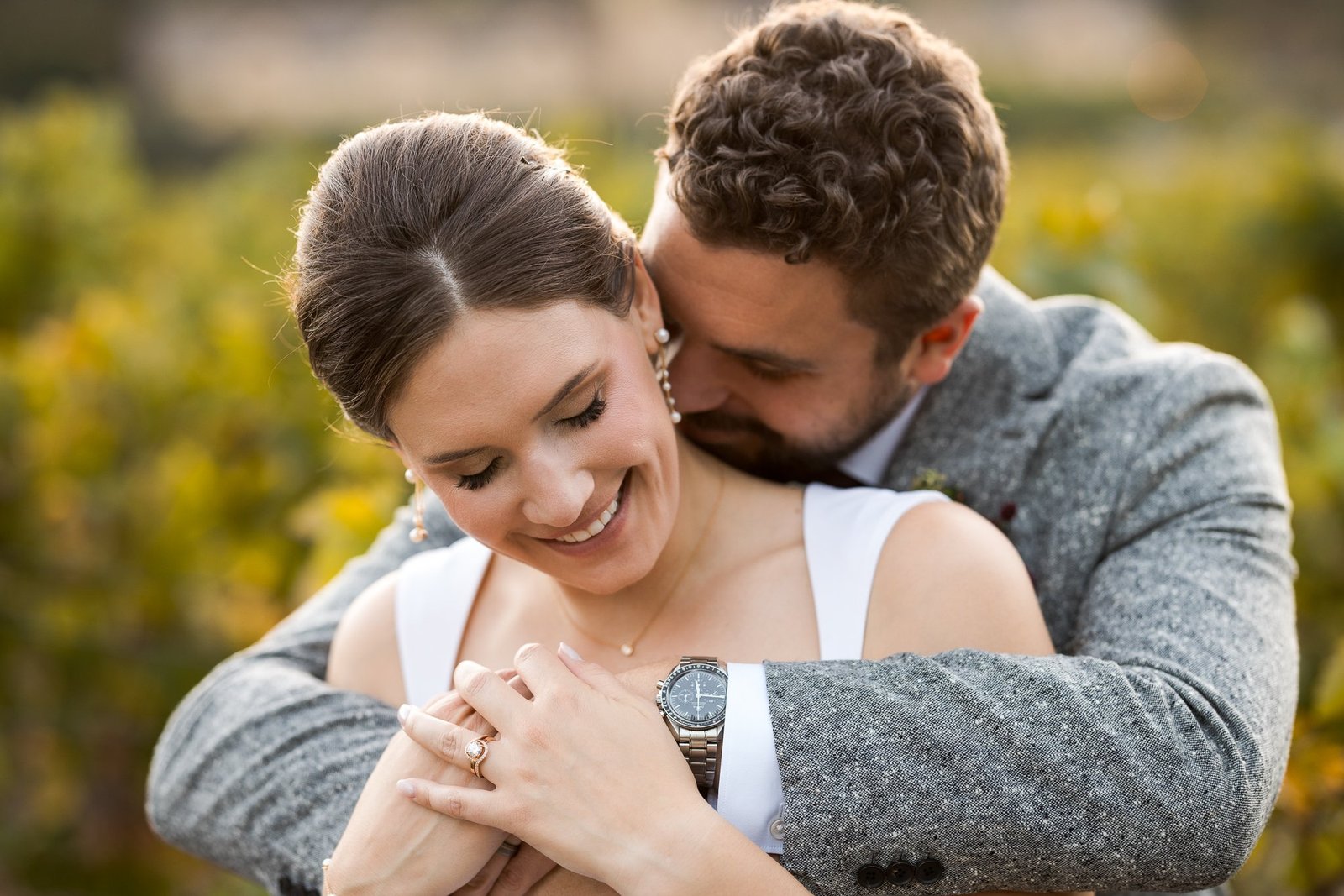
If you’re planning a Bay Area wedding, you’ll hear the same question from friends and family after you book your photographer: "Are you doing an album?" The honest answer is that albums and prints are optional — but they’re also the only parts of your photography investment you’ll physically touch five, ten, or twenty years from now. This guide breaks down the most common wedding photography print and album add-ons, what they typically cost, and how to decide what’s actually worth it for your wedding.
Quick note: every photographer and venue has different policies, production partners, and turnaround times. Programs change often — confirm current terms with your photographer and any venue/events team before you commit to a specific product timeline.
Start with the goal (not the product list)
Before you compare album sizes or paper types, decide what you want your photos to do in real life. Most couples fall into one (or more) of these buckets:
- A daily reminder at home: one or two large framed prints (or a small wall gallery)
- A story you can relive: a lay-flat album that covers the day start-to-finish
- Gifts for family: smaller parent albums, framed prints, or a short photo book
- Peace of mind: a physical backup (USB, archival box) in addition to your online gallery
When you’re clear on your goal, it’s easier to say no to add-ons that sound fancy but won’t get used.
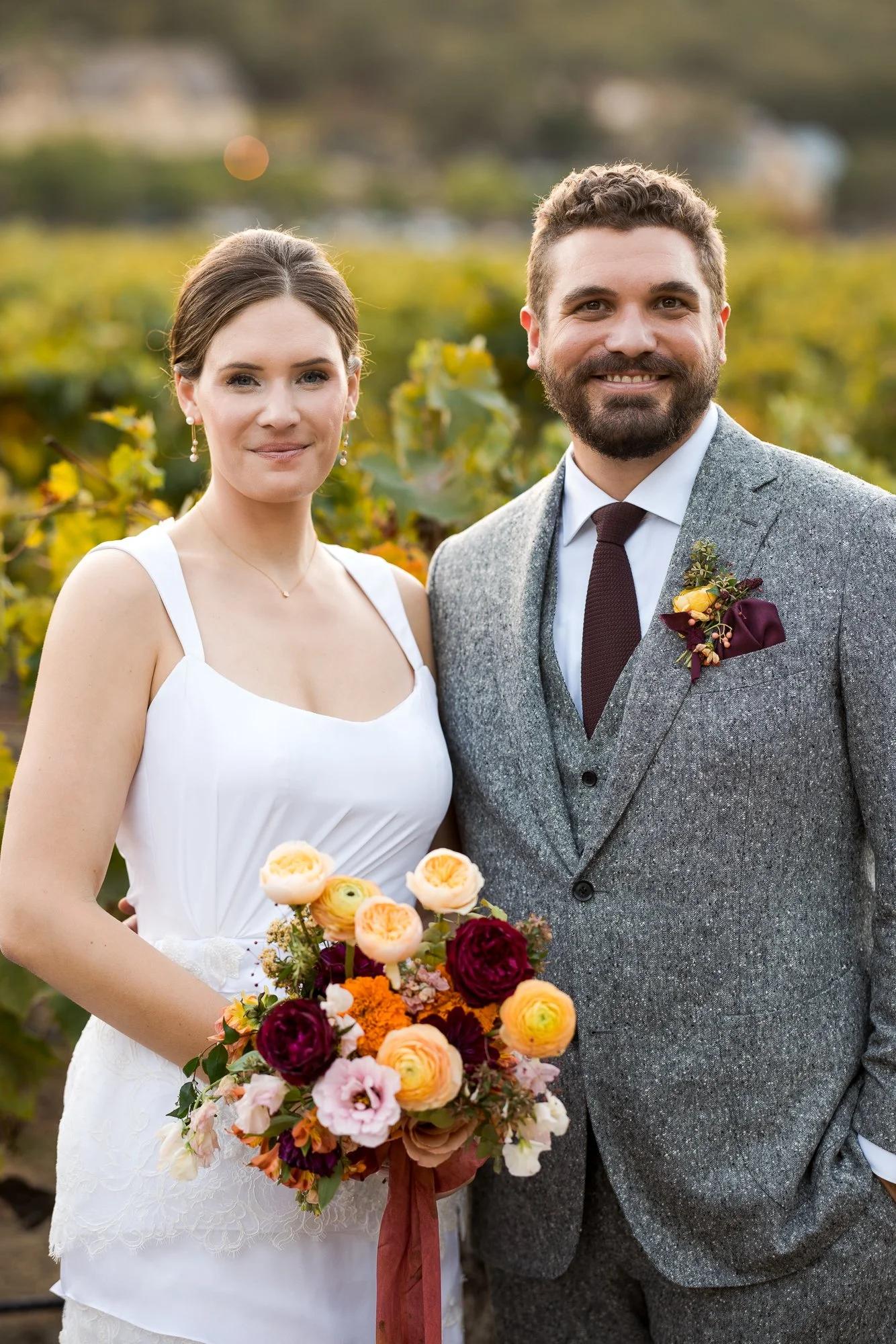
What albums cost (real examples) — and why prices vary
In the Bay Area, album pricing usually depends on three things: the physical book (size, cover, page thickness), the printing method (true photographic vs. inkjet fine art), and the design time (who lays it out, how many revision rounds, and how many spreads/pages).
To ground this in reality, some Bay Area photographer pricing examples (2025–2026) include a 50-page 10-inch flush-mount album as part of a higher-tier package and list additional albums at $900+ and duplicate photo books at $450+ (from a 2025/2026 pricing PDF shared on PartySlate).
Other Bay Area photographers list albums starting around $500 for a 20-page 8×8 lay-flat album, with upgrades for larger sizes, leather/suede covers, thicker pages, and personalization (Jenny Dee Photography).
The takeaway: if you’re trying to budget, a good rule of thumb is that a ‘signature’ wedding album is often a four-figure line item, while small parent albums and basic photo books tend to land in the mid-hundreds. When you see a lower price, ask what’s included: page count, cover type, and whether design time is part of the cost.
Design fees: the hidden cost couples miss
Even when a photographer uses a professional lab, your quote may include (or exclude) the time it takes to design the album. For example, Miller’s Professional Imaging’s album design form lists a design service fee of $6 per album/book page side, with additional charges for extra edits and certain services (Miller’s Professional Imaging). Some photographers bundle this work into a flat album price; others treat it as a separate line item.
The album types you’ll see in proposals
- Flush-mount / lay-flat (often called ‘heirloom’): thick pages, panoramic spreads, usually the most premium.
- Photo book: thinner pages, great for parent copies or a smaller budget.
- Fine art inkjet album: often paired with cotton rag papers and matte finishes; beautiful for editorial-style photography.
Print add-ons that are usually worth it (and what to skip)
If you want the ‘most impact per dollar,’ these tend to deliver:
- One statement wall print (or frame-ready large print). Choose one hero image you’d happily see every day.
- A smaller ‘high rotation’ set for gifting. Think 5×7 or 8×10 prints for parents and grandparents.
- A physical backup (if offered). Some photographers offer a flash drive add-on (for example, $125 is listed by one Bay Area photographer) — useful if you want a second copy stored separately from your cloud accounts.
What to consider skipping: very small prints (unless you love them) and novelty products you won’t display. If you’re budget-sensitive, it’s almost always better to buy fewer, larger, higher-quality pieces than a big bundle of small items.
Where to print in the Bay Area (4 solid options)
Many photographers prefer to handle printing through their pro lab (and for color consistency, that’s often the best route). But if you’re printing on your own later, these Bay Area options are worth knowing:
- Dickerman Prints (San Francisco): a long-running photo lab known for fine art photo printing and scanning services.
- LightSource SF (San Francisco): a full-service fine art printing studio.
- Photoworks SF (San Francisco): photo printing plus custom framing — helpful if you want a finished, ready-to-hang piece.
- Your photographer’s preferred lab: often the easiest way to ensure the final print matches the colors in your delivered gallery.
If you’re ordering yourself, ask about paper options (luster vs matte vs fine art rag), expected longevity, and whether they can advise on display (UV glass, direct sunlight, humidity).
Questions to ask your photographer before you buy albums/prints
- Is the album price inclusive of design time and revision rounds? If not, what’s the hourly or per-page fee?
- How many spreads/pages are included, and what’s the cost to add more?
- What cover materials are available (linen, leather, vegan leather, suede), and can you deboss names/date?
- Who fulfills the album: an in-house designer, a pro lab, or a consumer print service?
- What’s the typical turnaround time after you pick favorites from the gallery?
A simple decision framework (so you don’t overbuy)
If you’re torn, use a quick three-part test:
- Display test: will this live somewhere visible (wall, coffee table), or will it end up in a closet?
- Longevity test: will it still matter to you in five years? Albums usually pass; trendy small add-ons often don’t.
- Timing test: can you wait until you’ve seen the full gallery? (You usually can — and you’ll make better choices.)
Final tip: if your package includes an album, take advantage of it — but don’t feel pressured to decide every upgrade right away. Many couples start with the included album, add parent copies later, and order wall art once they’ve lived with the images for a bit.
Browse Vendors